Press and creator kit
SecretScan, in plain facts.
SecretScan is an iPhone and iPad privacy utility for finding passwords, recovery codes, API keys, IDs, payment details, and other sensitive text left in screenshots and photos.
Facts last verified September 2, 2026. Press contact: Dmytro Polianskyi.
One-sentence description
Find sensitive information forgotten in your camera roll—without uploading the photos for analysis.
SecretScan uses Apple's on-device Vision framework for OCR, applies deterministic pattern checks locally, and presents likely findings for human review in a locked vault.
Current App Store facts
Product fact sheet
Availability
Version 1.0.7, released August 26, 2026, for iPhone and iPad running iOS or iPadOS 17 or later.
Price
Free download and screenshot scan. An optional one-time Lifetime Pro purchase expands broader text-photo scanning and cleanup limits.
Localization
The public App Store listing currently declares 24 supported languages and provides separate iPhone and iPad screenshot sets.
Developer
Built and published by Dmytro Polianskyi. App Store category: Photo & Video.
What it does
A focused local audit
- Checks screenshots and eligible text-heavy photos
- Looks for likely credentials, recovery material, financial details, IDs, and private text
- Supports review, redacted-copy saving, and Photos deletion requests
- Explains that exposed credentials should be rotated or revoked
What it is not
Deliberate boundaries
- Not a password manager, antivirus, cloud vault, or identity-theft service
- Not a guarantee that every sensitive image will be found
- Not a replacement for human review
- Not able to revoke a credential merely by deleting its image
Privacy model
Local Photos analysis with narrowly bounded product metrics.
Photos and extracted OCR text are not uploaded to SecretScan servers. No SecretScan account is required. Release builds may send one-time product-validation milestones through Firebase Analytics, but those custom events exclude Photos, OCR text, finding details, categories, counts, Photos identifiers, and account identifiers. SecretScan does not use the data for advertising, profiling, or cross-app tracking.
Potential story angles
Three overlooked camera-roll risks.
Temporary debugging screenshots become permanent records
Terminal output, cloud dashboards, logs, and configuration screens can preserve live credentials after the original incident is closed.
Developer guide → Account recoveryThe recovery copy can become the exposure
Backup codes and seed phrases need durable offline planning, but camera-roll copies can synchronize and remain searchable.
Recovery guide → Identity documentsVerification photos often outlive the task
Passport, license, and identity-document images may remain long after an application, trip, or support request ends.
Identity-photo guide →Downloadable assets
Current public artwork
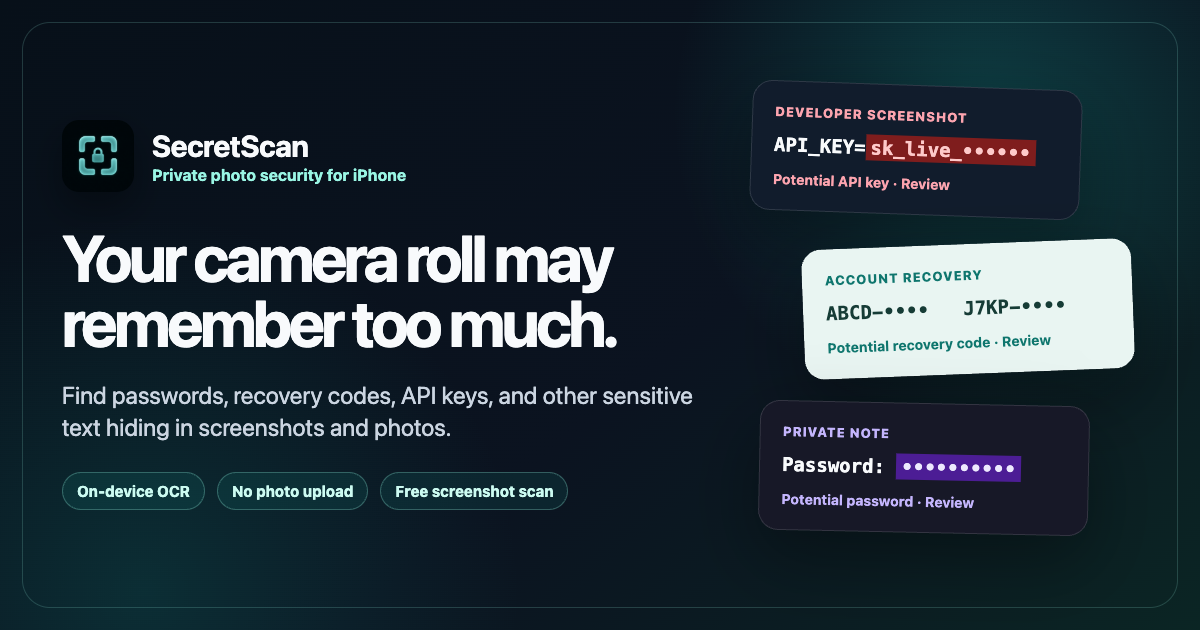
The current App Store page contains five iPhone and five iPad screenshots. For additional formats, interview questions, or screenshot requests, contact the developer.
Need a technical or privacy answer?
Email Dmytro Polianskyi. Please do not send real credentials, private photos, or sensitive OCR text with an inquiry.
Email the developer